
Find Any Token
Search for a token by name or symbol, then read its price, markets, tokenomics and social activity on the token page.
 Written by taika · Creator of Token Radar
 Search from the Header
The fastest way to a token is the search in the header:
- Click the magnifier, or press Cmd+K (Mac) or Ctrl+K (Windows and Linux).
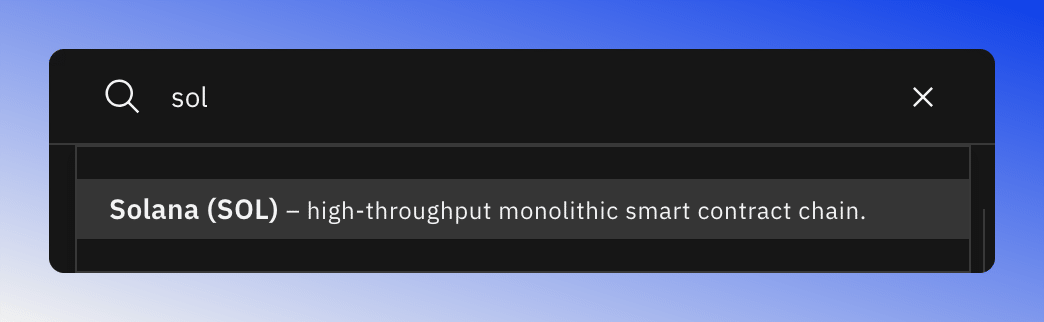
- Type at least two letters of the token's name or symbol, for example "sol".
- Pick the token from the results. Each result shows the name, the symbol and a short tagline.
If you search while you are on a token's Social Insights or Tokenomics tab, the new token opens on the same tab.
Browse All Tokens
To see everything Token Radar covers, open Tokens in the side navigation. The page lists all tokens alphabetically and has its own search field, see Tokens Overview.
Tokens are also one click away elsewhere: click a token in the screener table, or a token's chart on the dashboard, to open its page.
The Token Page
The top of every token page shows the token's name and symbol, its current price with the change for today, and quick links to search the token on X, its CoinGecko page, a TradingView chart, its official X account and its website. Below are the tabs.

Overview
The Overview tab starts with the price chart, with moving averages you can switch on. Next to it you find the token's description, its latest news, the Market Data tile, a featured post and, where available, its exchange relationships and milestones. Token Details Overview explains each tile.
Markets: Spot and Perp
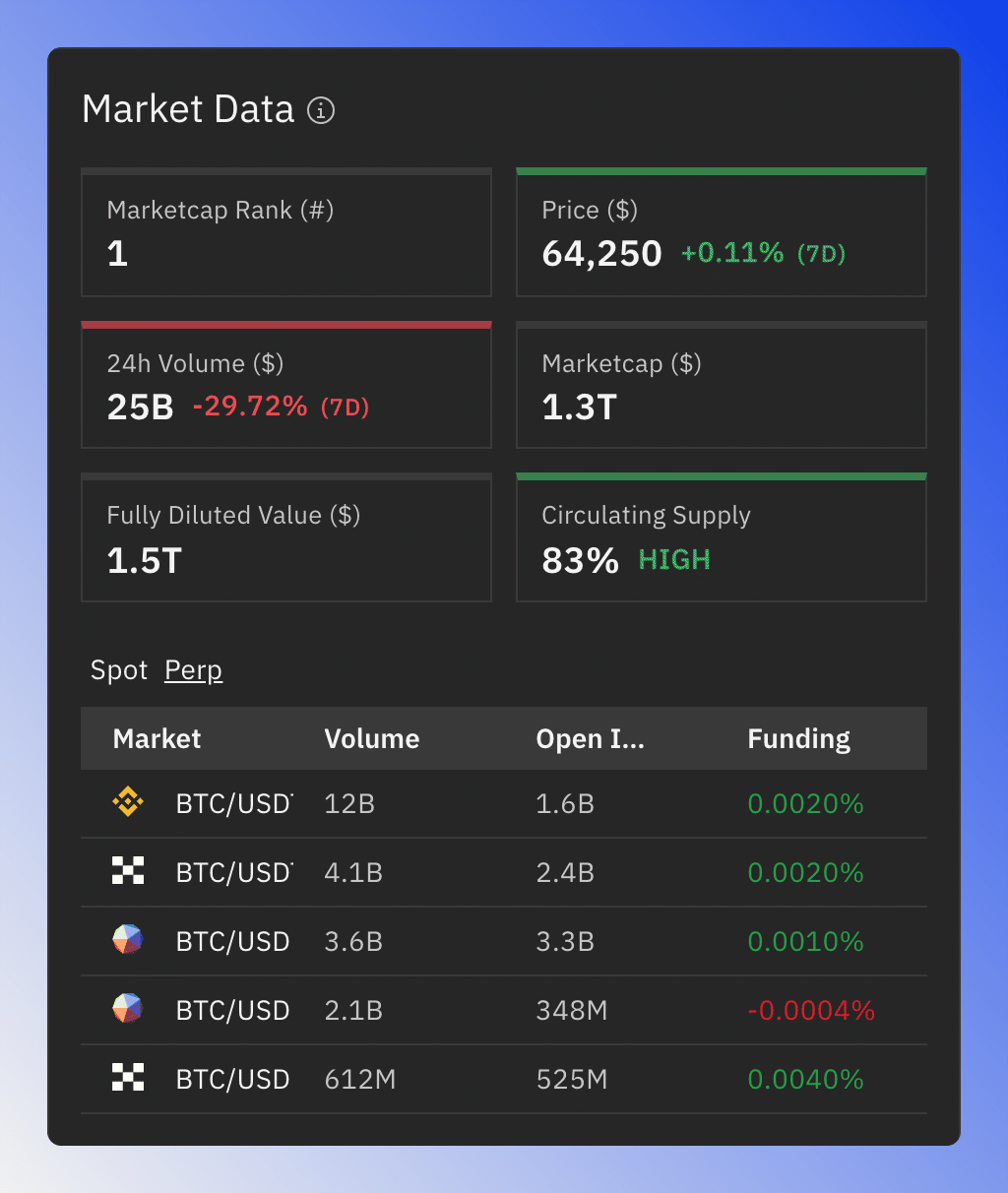
The Market Data tile sums up price, market cap rank, volume, market cap, fully diluted value and circulating supply. Below the summary, switch between two market tables, each sorted by volume:
- Spot: the trading pairs with their volume and 2% depth.
- Perp: perpetual futures with their volume, open interest and funding rate.
Click a pair to open it on the exchange.
Social Insights
The Social Insights tab shows what people on X say about the token: a sentiment chart, social statistics and the most relevant posts. See Token Social Insights.
Tokenomics
For tokens with researched unlock data, the Tokenomics tab shows the unlock schedule, the allocations and the assumptions behind them. Tokens without that data have no Tokenomics tab. See Token Tokenomics.