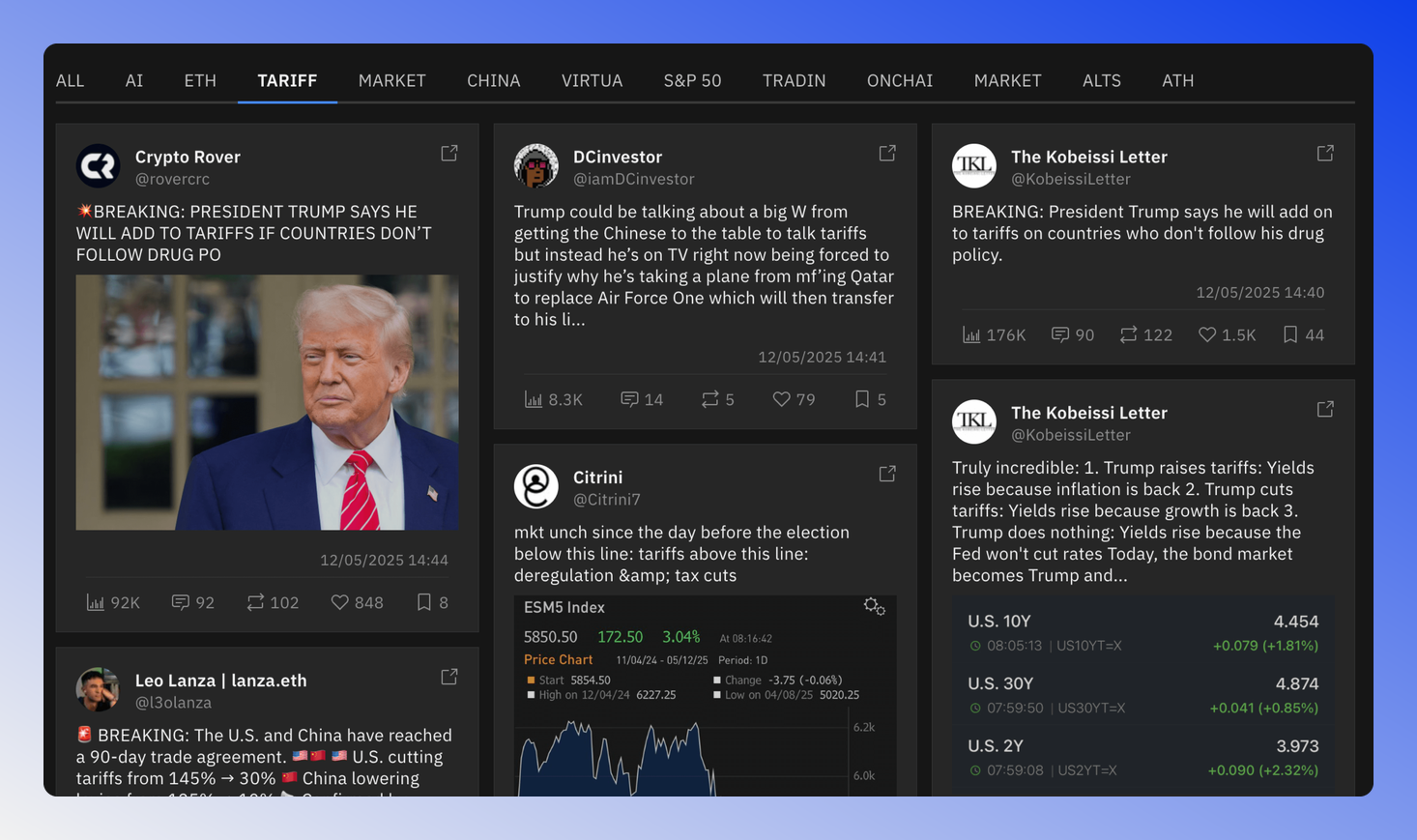
Keyword Social Mindshare
The Keyword Mindshare page tracks specific terms and market trends across social media platforms. This feature allows you to monitor conversations around important market concepts, technological developments, or regulatory themes.
 Written by taika · Creator of Token Radar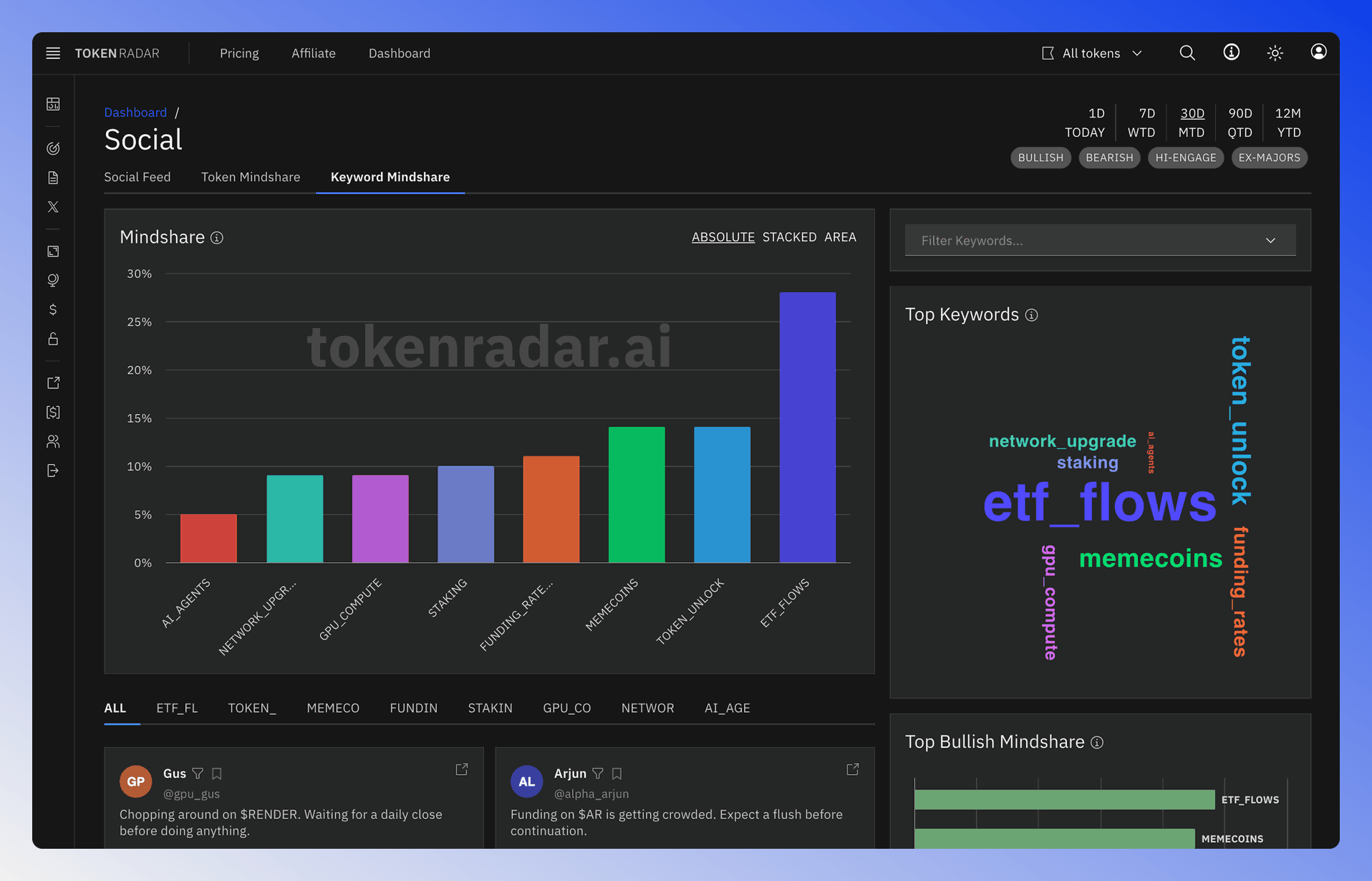
Main Filter
The main time and filter settings on the top right can be used to adjust the time and filter settings of the whole page:
- BULLISH: Shows only bullish/positive keyword mentions
- BEARISH: Shows only bearish/negative keyword mentions
- HI-ENGAGE: Displays mentions from highly engaged posts
- EX-MAJORS: Excludes mentions related to major cryptocurrencies (BTC, ETH, etc.)
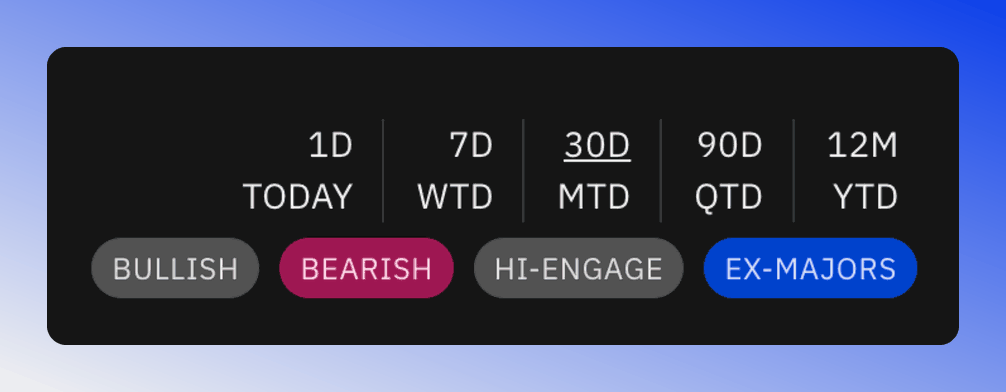
Social time and filter settings.
Keyword Cloud
The Top Keywords word cloud displays trending topics and terms across social media. The font size indicates the frequency of mentions.
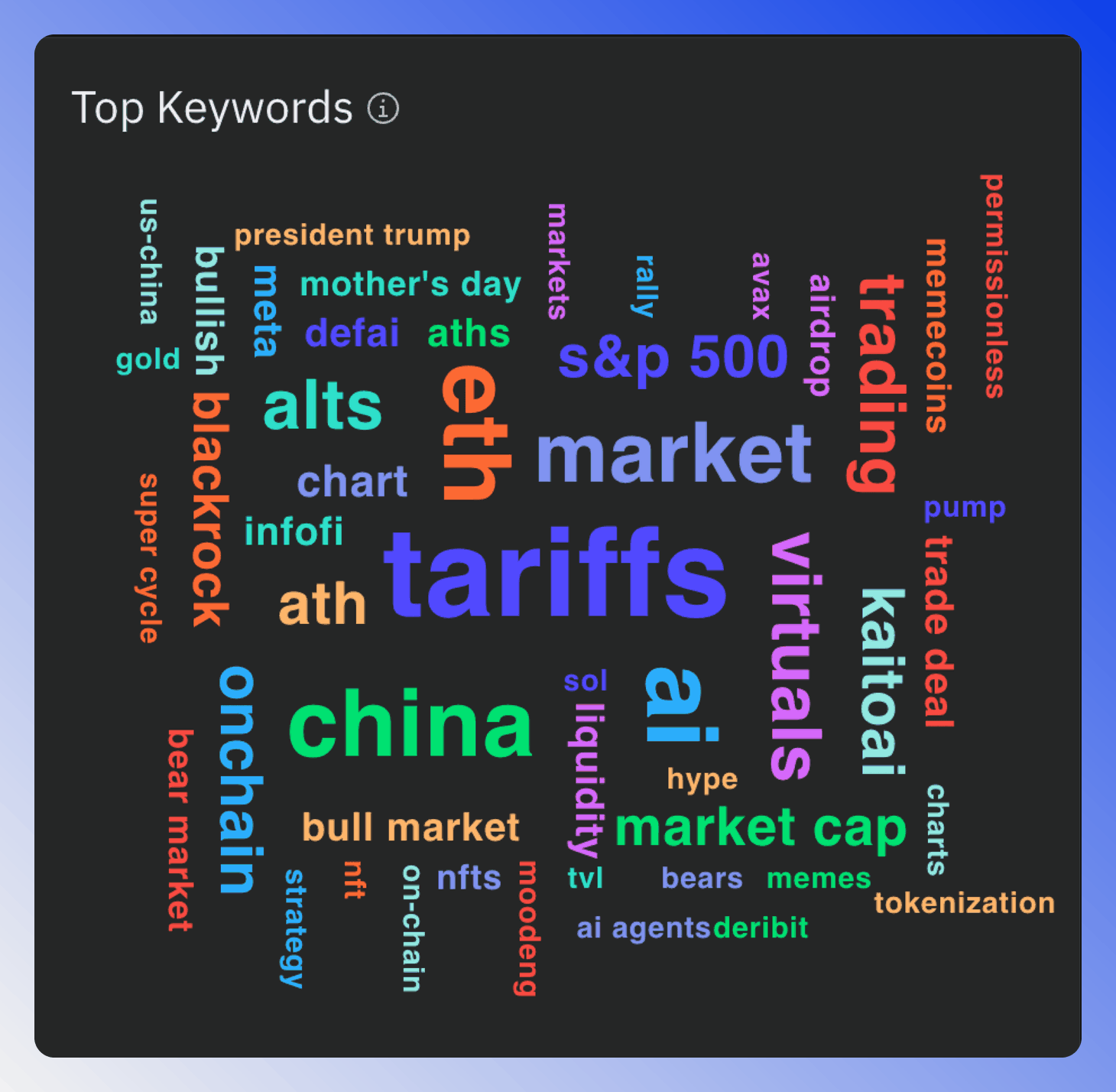
Clicking on any keyword in the cloud will filter the data to show only posts containing that specific keyword.
Mindshare Chart
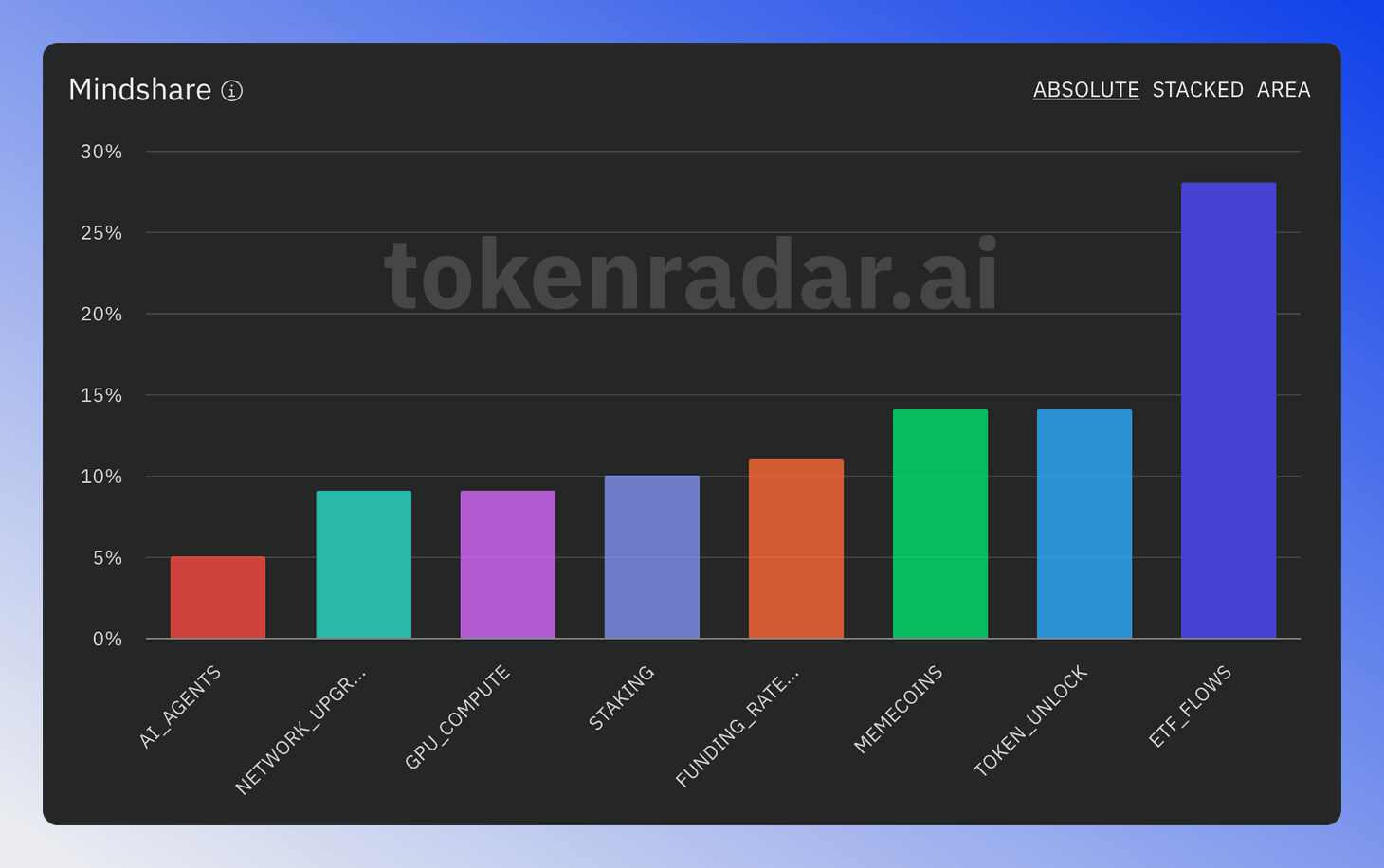
This interactive chart shows the most discussed keywords, allowing you to identify emerging trends and fading topics.
ABSOLUTE shows each keyword's share of the posts, STACKED shows it per day, and AREA shows it over time as an area chart. Use the Filter Keywords menu next to the chart to pick the keywords to compare.
Keyword Posts Grid
This section displays the most engaging social media posts for selected keywords. Each keyword has its own tab, helping you understand the context and sentiment around specific topics.