
Account Billing
Use the billing page to view your billing information, update your subscription details, or cancel your subscription.
 Written by taika · Creator of Token Radar
 Use the billing page to view, upgrade or cancel your subscription.
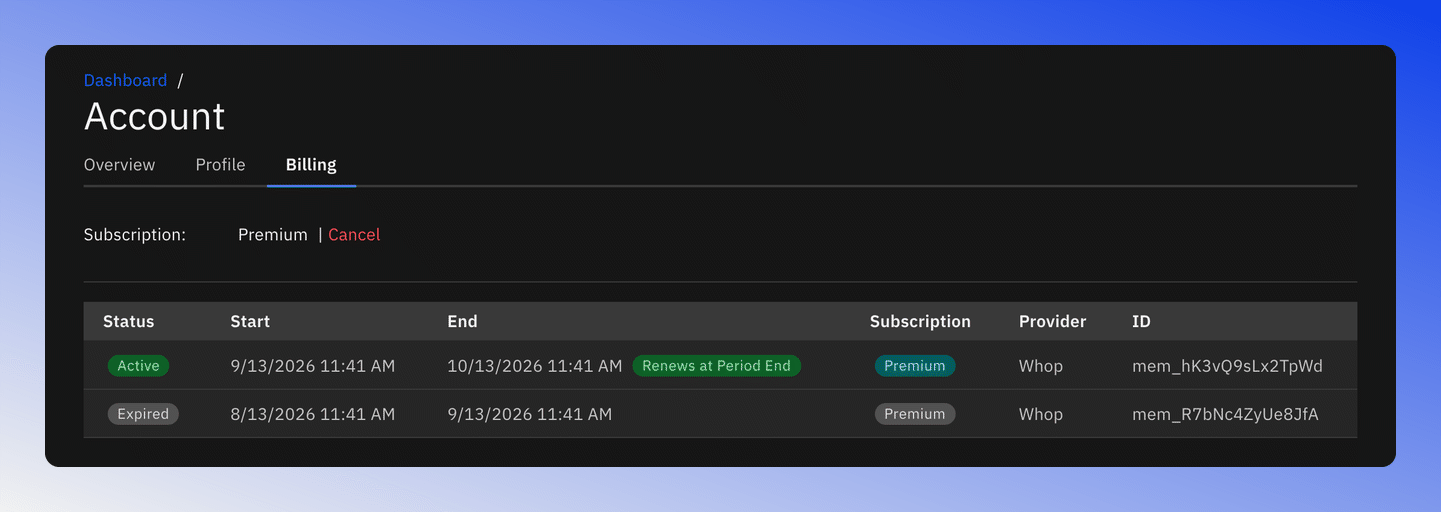
Billing Management
The billing page allows you to:
- View your current subscription
- Upgrade to Premium with the Upgrade link, shown when you are not on the Premium plan
- Cancel your subscription with the Cancel link, which opens your memberships in Whop
- See your subscriptions with status, start and end date, plan, provider and ID